Classic Army M15 Series: How to Read a Used Listing
A careful reading of a secondhand listing can reveal what is documented, what is only seller shorthand, and which maintenance warnings deserve follow-up.
Start with the listing title, not the assumptions
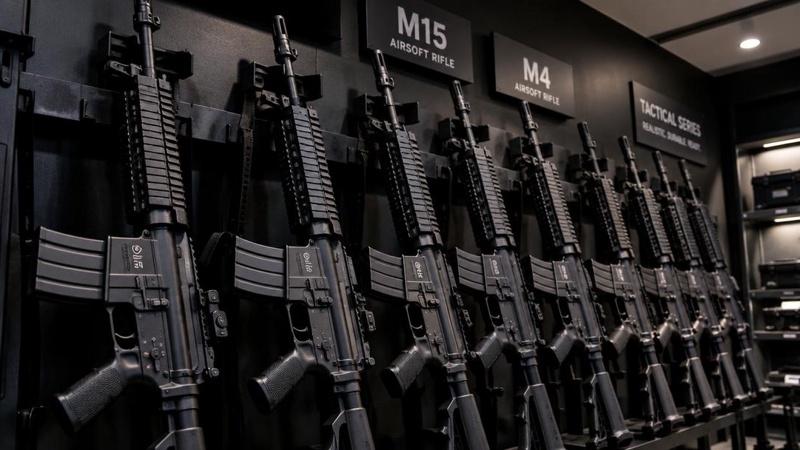
Don’t read too much into the listing title as a description of the airsoft gun offered for sale. Common abbreviations and acronyms can be misleading and on occasion even incorporate a model code which is not relevant. In many cases sellers include the model name in the title to assist in searching for similar models. Read the rest of the listing carefully to ascertain any additional model codes, series names, etc. to more accurately assess what is being offered for sale.
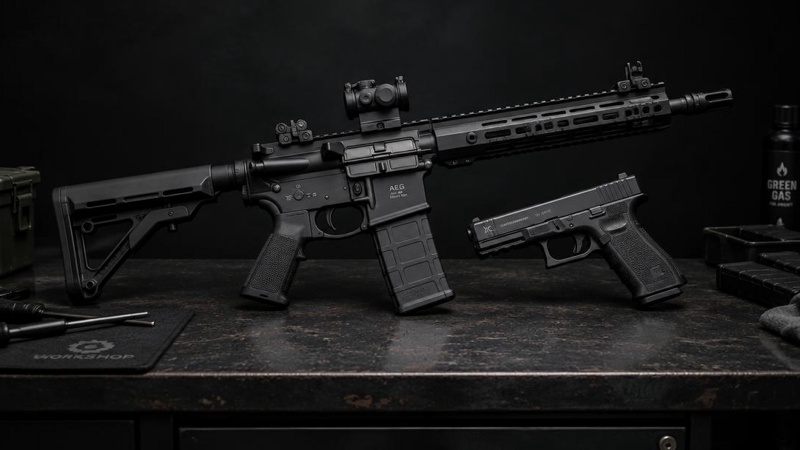
Next, carefully read the rest of the listing for details on the Make, Series, and Model # of the AEG, and whether or not it is being sold as a complete Airsoft AEG, or if it’s missing parts and so on. Remember, the Title may contain different information than the Body of the listing. Be sure to ask the seller which information is correct, and to supply a clear close-up photo of the various markings on the AEG.
Close-up photos may show damage to a weapon, labels, or even missing accessories. However, these photos do not always reveal whether a part will function correctly or if there are any hidden internal problems.
Treat model codes as identifiers to verify
The Model Code - As recorded by the manufacturer, as shown on the packaging or as listed in the sellers description. Remember a model code on an old box does not guarantee that all the original packaging and accessories are included. Ask for the full model code and verify against the photos supplied.
Instead of relying on a partial model code that’s been copied from an old box or packaging, ask the seller to provide you with the full model code. Compare the code from the seller’s listing with the visible marking(s) on the airsoft gun in the photos supplied by the seller. Often a single misplaced character (space, letter, number or punctuation) can mean the listing is actually for a different airsoft model.
The absence of a model code, blurred marking or the listing seller using words like 'probably' in front of a model code series name means that the identification of the listing to a particular model has not been confirmed by the seller and should therefore be recorded as unknown.
Read condition notes as symptom reports
Just because someone has called the airsoft a ‘used’ item, ‘field worn’ or ‘needs a clean’ does not mean you can immediately tell what ‘used’ actually means! A good description of condition will tell you where the wear has occurred, whether it is cosmetic or functional and whether or not the seller has actually tested it recently.
When assessing for potential problems with an item's condition, symptoms that are not best to be described as problems and therefore should not be glossed over by labeling them as such include: an irregular feeling trigger, controls not moving as one would expect, strange sounds, loose connections, visible cracking, or battery/wiring corrosion/damage.
What happened before the problem appeared? Is the problem a constant problem or does it happen from time to time. A phrase like “sometimes acts up” needs to be further clarified.
Inventory the included accessories line by line
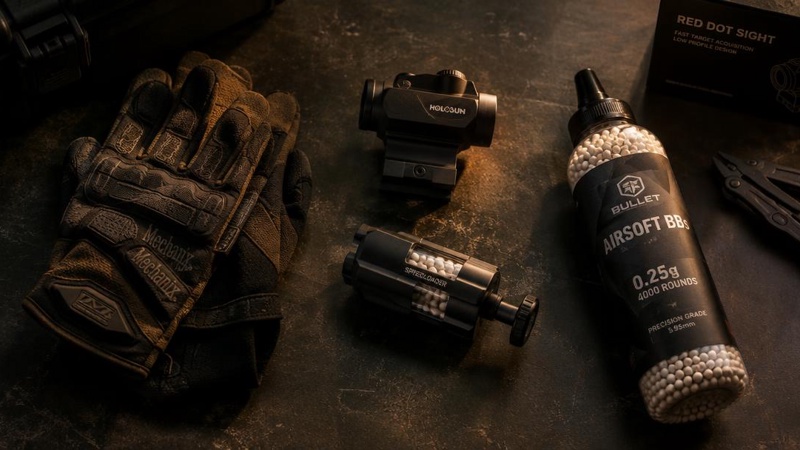
A listing that says "comes with extras” must describe every single included item (e.g. magazines, sling, battery, charger, case, cleaning gear etc.), and indicate if an item is being offered for sale (or being shown) or if it’s available separately.
In addition to condition, the condition of included soft gear, like for example holsters, vests, etc., must also be clearly stated. Often soft gear is stored for long periods of time and could contain dirt, moisture or even odors that are not immediately obvious in photos. Requests for visible signs of wear and storage must be addressed by the seller before it is packed up for the buyer to take to a field day.
At pickup, lay the pieces out and check them against the list the seller confirmed. Keep a screenshot of the listing in case an agreed item is missing.
Found this guide useful? Share it with your team.